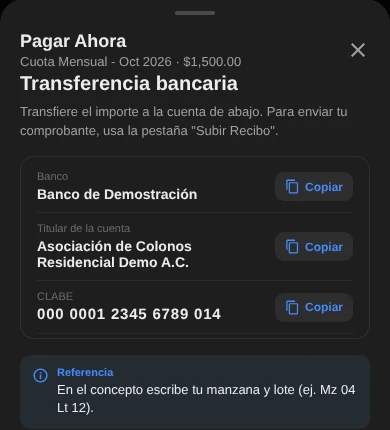
Pay without asking for bank details
Copy the CLABE with one tap and pay from your bank app.
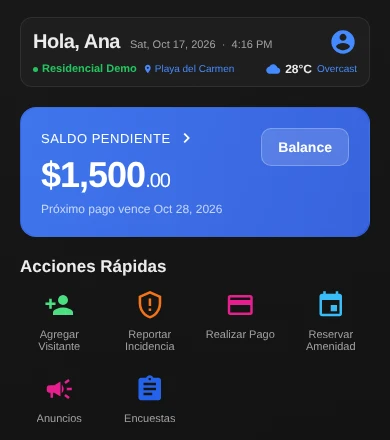
Create the pass, share it from your phone, and security scans it at the gate. In the same app you pay your dues and read the notices.
 On a computer?Scan this code with your phone to get the app.
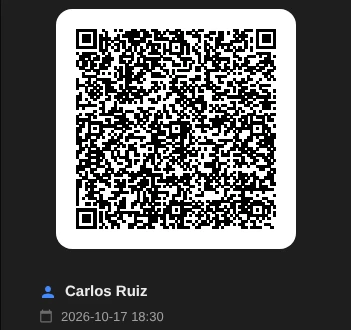
Name, date and time. On foot or by car.
Send the pass from your phone, through the messaging app you already use.
The guard reads the code at the gate and the entry is logged.
Copy the CLABE with one tap and pay from your bank app.
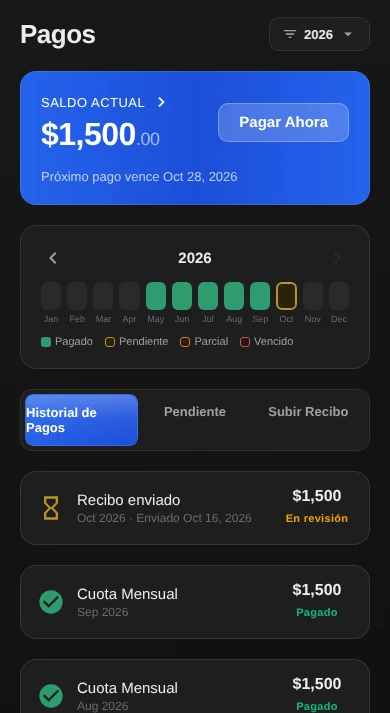
Upload a photo of your receipt and see when the administration approves it.
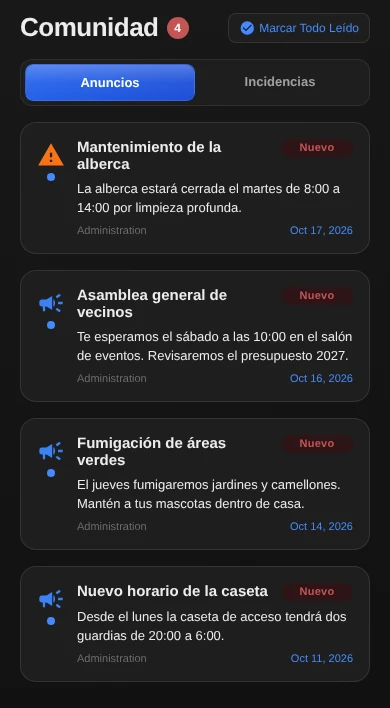
Notices from the administration arrive with a date and stay marked as new.
On Google Play and the App Store. Ask your administration for your community's code to join.
On a computer?Scan this code with your phone to get the app.